
ABOUT / UP DIGITAL INDIA
A transparent, secure portal for skills training and student services.
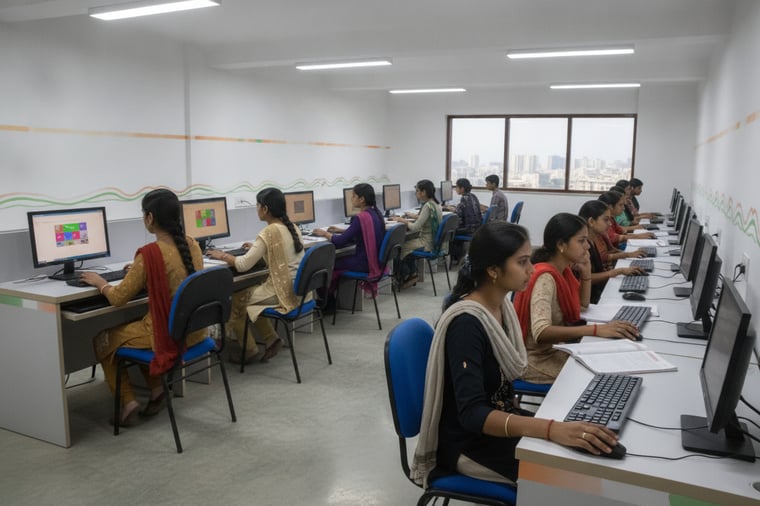
UP DIGITAL INDIA is a government-style digital education and training portal designed to make course discovery, registration, and student support simple and reliable. From Training Programs to Student Registration and Login, every step is built for clarity, accessibility, and mobile-ready use.
Our process is traceable by design: submissions are captured cleanly, stored securely, and reflected in the student dashboard so you can verify profiles, track application status, and complete admission requirements with confidence.
Verified student profiles
P-01 — ACCURATE STUDENT RECORDS
Clear application workflow
P-02 — REGISTER → REVIEW → STATUS
Student dashboard access
P-03 — PROFILE, STATUS, ADMISSION
Secure admin management
P-04 — CONTROLLED ACCESS & AUDIT
PROCESS / 04 — PORTAL FLOW
How UP DIGITAL INDIA works, step by step
Our portal follows a clear, accountable process—from selecting a program to submitting details, accessing your dashboard, and tracking progress. Each stage is designed for fast verification, secure records, and easy support.
S-01
Choose a Program
Browse approved training programs and select the course that matches your goals, eligibility, and location preferences.
S-02
Register Online
Submit your details—name, mobile number, email, district, and course—to create a verified student record in the system.
S-03
Access Student Dashboard
Log in to view your profile, application status, and next actions, with updates available anytime from mobile or desktop.
S-04
Track & Complete Admission
Follow status updates, upload or confirm required information, and complete the admission form as instructed by your program.
DOC / 05 — NEXT STEP
Ready to enroll in a training program?
Complete your student registration in minutes with your name, mobile number, email, district, and selected course. After submission, log in to track your application status and continue with the admission process.
HELPDESK ≤ 24H
SECURE LOGIN
REV 01
S-01 — REGISTRATION
Submit your details, choose your course, and receive access to your student dashboard for profile, status, and admission form updates.